


A password-protected PDF is useful right up until the moment you need to share it with someone, edit it, or run it through a tool that can't read encrypted files. Removing the password produces an unprotected copy that behaves like a normal PDF — you can edit, merge, compress, sign, or convert it without the prompt getting in the way every time.
This guide covers how to unlock a PDF you have the password for, and what the realistic options are if you've forgotten it.
Before you start
One important distinction:
- Unlock tools remove a password you already know. If you have the password, they take the file from "encrypted" to "plain PDF".
- They don't crack or recover unknown passwords. That isn't a product limitation — it's how PDF encryption works. There's no back door in the format.
If the file's password is genuinely lost (no copy stored anywhere, no shared note, no team password manager), the realistic options are narrow and mostly come down to "find the password" or "find an unprotected copy of the file". More on that in the FAQ below.
The steps
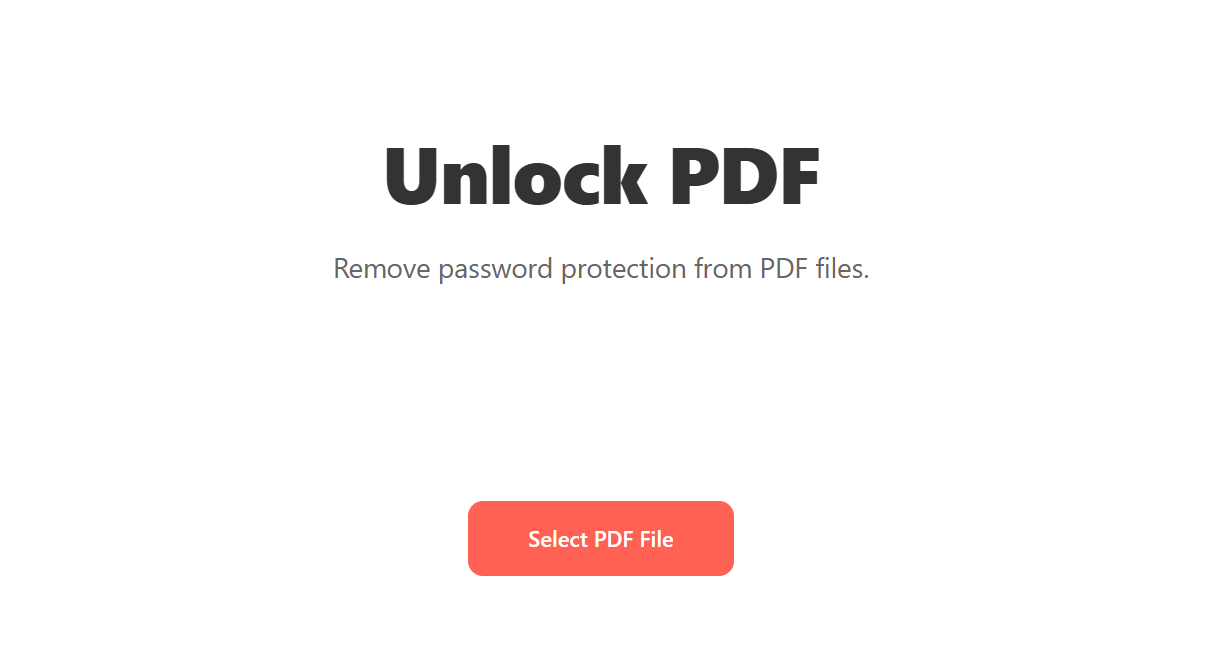
Open Blackpdf's Unlock PDF tool and drop your file in.
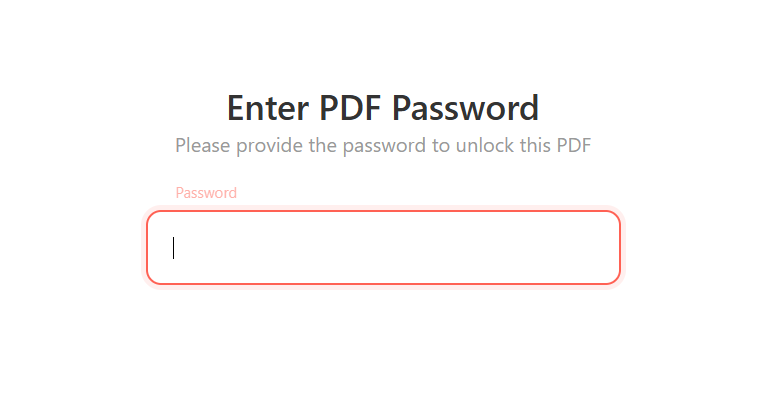
Enter the PDF password in the prompt field. The same password you'd type to open the file in any PDF reader.
Click Process PDF.
Download the unlocked file. From now on it opens without prompting; you can edit, share, or run it through any other tool.
Pitfall: if the password prompt rejects what you're typing, check for the obvious first: caps lock, autocorrect on mobile substituting the wrong characters, copy-paste pulling a trailing space. The encryption isn't doing anything clever; what fails almost always is human typing.
Speed up repeat unlocks with saved passwords
If you regularly unlock the same PDFs (a monthly report from a vendor, recurring payroll exports, statements from the same bank), the tool offers to remember the password the first time you use it. The next time you upload a file unlocked with that password before, it auto-detects the match and fills it in for you.
How it works:
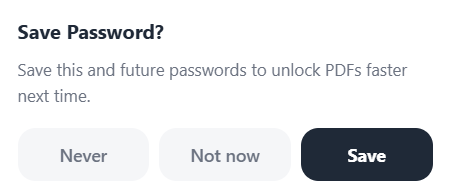
Right after a successful unlock, a small Save Password? prompt asks whether to remember the password. Pick Save to store it, Not now to skip this file, or Never to stop being asked at all (good for shared or work computers).
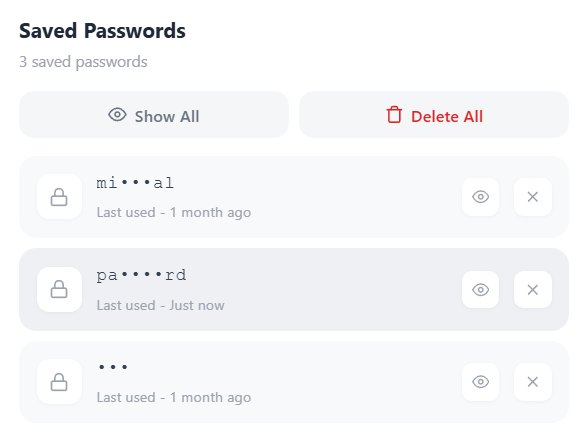
Saved entries sit in a Saved Passwords panel. Each row shows when the password was last used, with quick controls to reveal or delete an individual entry. There's also a Delete All button if you want to clear the list at once.
The next time you upload a locked PDF, the tool checks the saved list against the file. If a stored password opens it, a green Password found! Saved password indicator appears below the input with the matching entry as a chip. One click and you're in.
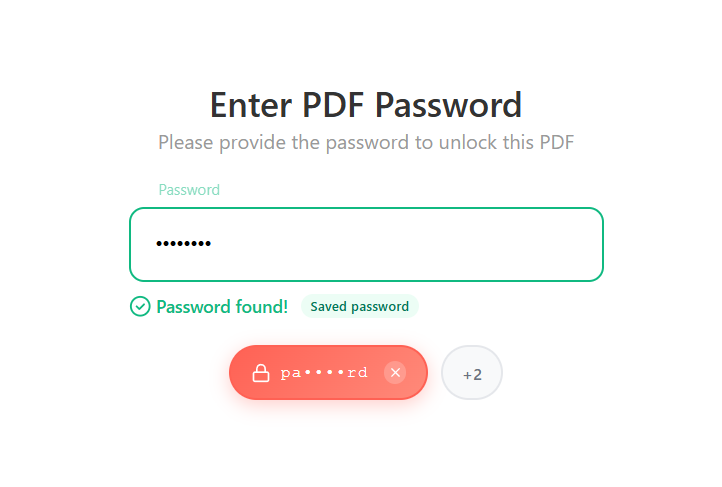
Passwords in the saved list are displayed masked by default
(pa•••rd); you have to click the reveal control to see the full
string. If you'd rather not save anything at all, pick Never on
the first prompt and the question won't come back.
What to do with the unlocked file
Most unlock jobs are a means to an end. Once the file is unlocked:
- Editing or assembling pages? Use Split or Merge.
- Need to make it smaller for email? Run it through Compress PDF.
- Need to sign it? See our Sign PDF guide.
- Need to convert it? Use PDF to Word for editing or PDF to JPG for images.
If the file still needs a password afterwards (you're just unlocking to make a change, then re-locking before redistributing), our Protect PDF guide covers re-applying password protection with a fresh password.
Common questions
I forgot the password. Can you recover it?
No. PDF encryption doesn't have a recovery mechanism — by design. The realistic options:
- Check your password manager and notes. A password you set is usually somewhere; team password vaults, browser-saved logins, the "saved passwords" section of past email threads.
- Ask whoever sent you the file. If someone else applied the password, they have it.
- Find an unprotected copy. A draft version on a shared drive, an emailed earlier export, an attachment from before the file was locked down. This is more common than people expect.
- Re-create the document. If it's a Word doc that was exported to PDF, the Word file probably exists somewhere unencrypted.
Online services that claim to "crack" PDF passwords are either running long brute-force attempts (which are time-consuming for strong passwords and impossible for long ones), or they're attempting to exploit older PDFs with weak encryption that nobody has used in years. For modern AES-encrypted PDFs, password recovery isn't feasible.
Is unlocking a PDF legal?
If the file is yours, or you have the rightful password and authority to use it, yes. Removing protection from a file you don't have legal access to is a different matter; that's between you and the applicable laws and the owner of the document.
Does unlocking change the file in any way?
It removes the encryption layer. The page contents, formatting, fonts, and embedded data are untouched. The unlocked file is byte- for-byte equivalent to the original, minus the encryption envelope.
What if the password works in one reader but not in another?
Sometimes a PDF carries two passwords: an open password (required to view) and an owner password (required to change permissions or remove restrictions). If you only have the open password, unlocking removes the open password but the owner-level restrictions remain. You'd need the owner password to remove permission restrictions like "no printing" or "no copying" — a separate concept from "no viewing".
Should I unlock a PDF that's headed for archival?
Probably, yes. PDF/A archival format doesn't permit encryption, so files going into long-term archives shouldn't carry passwords. Keep access control at the storage-system level instead of on individual files.
Can I unlock multiple PDFs at once?
Free accounts handle one at a time; Pro and Business plans allow batch processing. For a large batch, having the password reused across all the files speeds things up considerably — entering 50 unique passwords by hand is painful.
Wrap-up
If you have the password, unlocking a PDF is a single operation: drop in, type the password, click Process PDF, download. The result is a plain PDF that any tool can work with.
If you don't have the password, no tool can help. Search your records first, check whoever sent you the file, and look for an earlier unprotected copy. Those find the password far more often than a brute-force tool ever will.
And once you have the unlocked file, the rest of the toolchain opens up. Compress, split, merge, sign, convert — whatever the file was locked away from, it's available now.